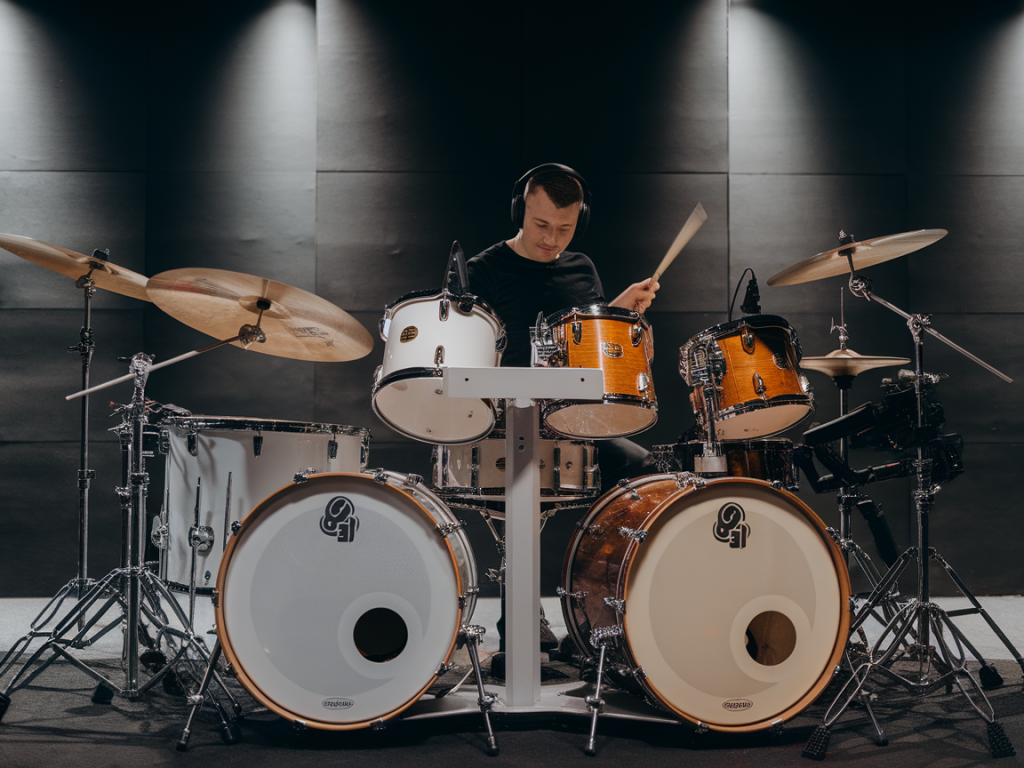
When I'm combining electronic drums with live kit recordings I want them to feel like they're part of the same sonic world — not two competing rhythm sections. Over the years I've developed a go-to plug-in chain that helps electronic samples sit naturally with acoustic drums while keeping the attack and human feel intact. Below I’ll walk through the chain in the order I typically use it, explain why each stage matters, offer practical settings and tips, and share a few alternatives I reach for depending on style.
Overview: what I'm trying to achieve
My aim is simple: keep the transient snap of both sources, make the tonal balance cohesive, control overlapping frequencies, glue things rhythmically, and give the combined kit a believable space that doesn't sound overly processed. That means treating electronic sounds as instruments that need to be shaped to match the room, density and dynamics of the live kit — not just blasting samples over the top.
My typical plug-in chain (track-by-track)
Here's the order I usually put on an electronic drum track (kick, snare sample replacement or layered clap):
Stage 1 — clean up and time alignment
I start with a simple high-pass filter to remove subsonic rumble that muddies the low end. For kicks I might keep everything under 20–30 Hz trimmed; for snares and claps I'll often cut below 60–100 Hz. I then check phase and timing against the live kick/snare. A tiny offset (a few samples) can make huge differences. I use the DAW's sample nudge or a utility like Sound Radix Auto-Align or simple manual nudging; sometimes a polarity flip is enough.
Stage 2 — shape the transient
To let the electronic and acoustic attacks coexist, I use a transient shaper. If the sample is too clicky and clashes with the acoustic attack, I reduce the attack a bit. If it's too soft, I increase attack to cut through. My go-to tools are SPL Transient Designer or the native transient shaper in my DAW. Typical settings: attack +3–6 dB for kicks and snares when I need them to reach the front, sustain -1 to -4 dB to avoid mud in the sustain overlapping toms or cymbals.
Stage 3 — surgical and musical EQ
EQ is where things start to sit together tonally. I split my approach into surgical cuts then musical boosts.
Tip: use mid/side EQ if a sample is too wide; narrowing the mono information often helps it lock with the live drums.
Stage 4 — saturation and harmonic glue
A little saturation makes electronic sounds feel less digital and more physical. I reach for Soundtoys Decapitator, FabFilter Saturn, or the subtle tape warmth of Slate VTM (Virtual Tape Machine). Drive very lightly — often just 1–3 dB of perceived saturation. The goal is harmonics and perceived loudness, not distortion. For hip-hop or modern pop I might push harder; for acoustic-leaning tracks I stay conservative.
Stage 5 — compression and parallel processing
I use compression to control dynamics and to glue layers together.
Important: compress the combined bus rather than individual tracks when you want the feel to glue between electronic and acoustic components.
Stage 6 — sidechain, gating and interaction with the live kit
Sometimes the electronic kick masks the live kick or vice versa. Instead of EQing away the life of one, I use sidechain ducking so the live kick breathes through the sample. A short, gentle duck on the electronic kick keyed by the live kick maintains clarity without sounding pumped.
For snares, a gate keyed by the live snare can prevent the sample tail from ringing over toms. I prefer using transient-gated automation over heavy gating — it sounds more musical.
Stage 7 — space: reverb and room modeling
To make electronic samples feel like they're in the same room as the drums, I use a small amount of room reverb or convolution impulses captured from the live room. Valhalla Room for lush control or an impulse response from IR libraries works well. Send the sample to the same reverb bus I’ve used on the kit and match pre-delay and decay so tails decay coherently.
For electronic elements that should sound dry and punchy, I use a short plate or small room with low wet percentage. For elements intended to sit further back, increase pre-delay and decay slightly.
Stage 8 — stereo imaging and final bus EQ
Finally I check stereo placement. If an electronic layer is too wide and fights cymbals or room ambience, I narrow it with a stereo imager (e.g., Brainworx bx_control or Pro-Q3 Mid/Side). A light bus EQ at the end (gentle high-shelf or low-mid cut) smooths the combined tone.
Quick reference: example settings
| Plugin | Typical setting |
| Transient Designer | Attack +4, Sustain -2 (snare) |
| Pro-Q3 (surgical) | -3 dB @ 300 Hz (narrow), +2 dB @ 6 kHz (broad) |
| Decapitator / Saturn | Drive 10–20%, Mix 20–40% |
| 1176-style comp | 4:1, attack fast, release medium, 2–4 dB GR |
| Parallel Bus Compressor | 10:1, attack medium-slow, release medium-fast, heavy GR blended 20–35% |
| Valhalla Room | Small room, predelay 10–20 ms, low wet 8–15% |
Common mistakes I avoid
Alternatives and plugin swaps
If you don't have the exact plugins I mentioned, you can substitute pretty effectively:
Final practical workflow tips
When I’m in a session I start by listening to the full mix, not soloing. Soloing gives you precision but lying to you about balance. I also group all drum-related tracks to a single bus early so I can hear how electronic and acoustic elements behave together. Automate the wet/dry send to the reverb for fills and transitions — sometimes the sample needs to be dryer in the verse and more ambient in the chorus.
Above all, trust your ears and prefer small moves. A few dB here and a transient tweak there often beats heavy-handed processing. The goal is to serve the song — make electronic drums replace or augment the live kit in a way that feels natural and musical.