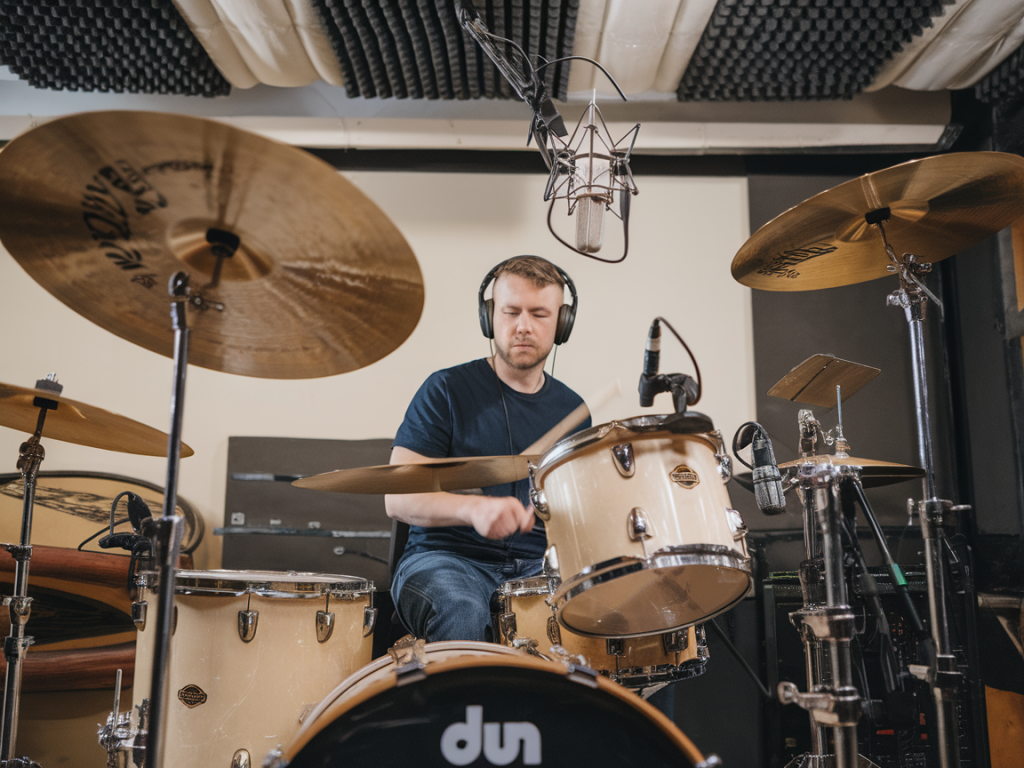
Keeping a steady tempo is one of those skills that separates "plays the song" from "owns the song." Over the years as a teacher and session player I've found that raw metronome practice only gets you so far. What accelerates real-world tempo control is learning to navigate variations in the click — different subdivisions, accents, and musical contexts — and applying them in practice and in the studio. Below I share the approaches and exercises I actually use with students and in sessions to build tempo security, musical feel, and the ability to react when the groove needs to breathe.
Why click variations matter
A plain click at quarter notes is great for basic timing, but music rarely sits on a single, mechanical pulse. Pop tracks need a locked pocket with slight push or pull. Jazz tunes live on implied beats and swing feel. Electronic productions demand microscopic consistency across hundreds of bars. Practicing with different click variations teaches your internal clock to be flexible and accurate — to subdivide, to lock to accents, and to maintain feel when the click drops out.
In short, using click variations trains three things at once:
Common click types and when to use them
Here are the click variations I use and ask students to practice with. Each has a different training effect.
Practical exercises I use
Below are step-by-step exercises that scale from basic to advanced. I recommend practicing them slowly and gradually increasing tempo only when you can play the patterns cleanly and in time.
Exercise 1 — Quarter to 16th conversion
Exercise 2 — Sparse click pocket
Exercise 3 — Accented phrase mapping
Exercise 4 — Random dropouts
Using DAWs, click plugins and hardware
Different tools give different levels of control. Here are my go-to setups:
Applying variations in the studio and live
When I'm tracking, I rarely use the same click for an entire song. Instead I map the click to the arrangement: a sparse click for verses so the vocal breathes, a tighter subdivided click for choruses, and an accented phrase click for transitions. This approach gives the track human movement while keeping transitions locked for editing.
In live settings I instruct the monitor engineer to give the drummer a click that follows the song arrangement (more clicks in the bridge if there are complicated meter changes). If you're a producer programming electronic drums, using subtle variations (slight change in click sound or subdivision between sections) helps performers lock in and brings a more organic feel to the production.
How to track progress
Measuring improvements is motivating and practical. I recommend these metrics:
Quick reference table: click types and benefits
| Click Type | Primary Benefit |
| Quarter-note | Basic pulse, phrase mapping |
| Subdivided (8th/16th) | Micro-timing and grid awareness |
| Triplet | Swing and shuffle accuracy |
| Sparse | Internal timekeeping and feel |
| Accented | Form awareness and transitions |
| Random-drop | Real-world adaptability |
Using click variations changed how I approach both teaching and session work. It reduced my reliance on a "perfect" metronome and built a more musical internal clock — one that supports subtle pocket shifts instead of flattening them. Try layering these exercises into your practice routine and adjust them to fit the music you play: the goal is not to become a robot, but to be reliably expressive within a time foundation.