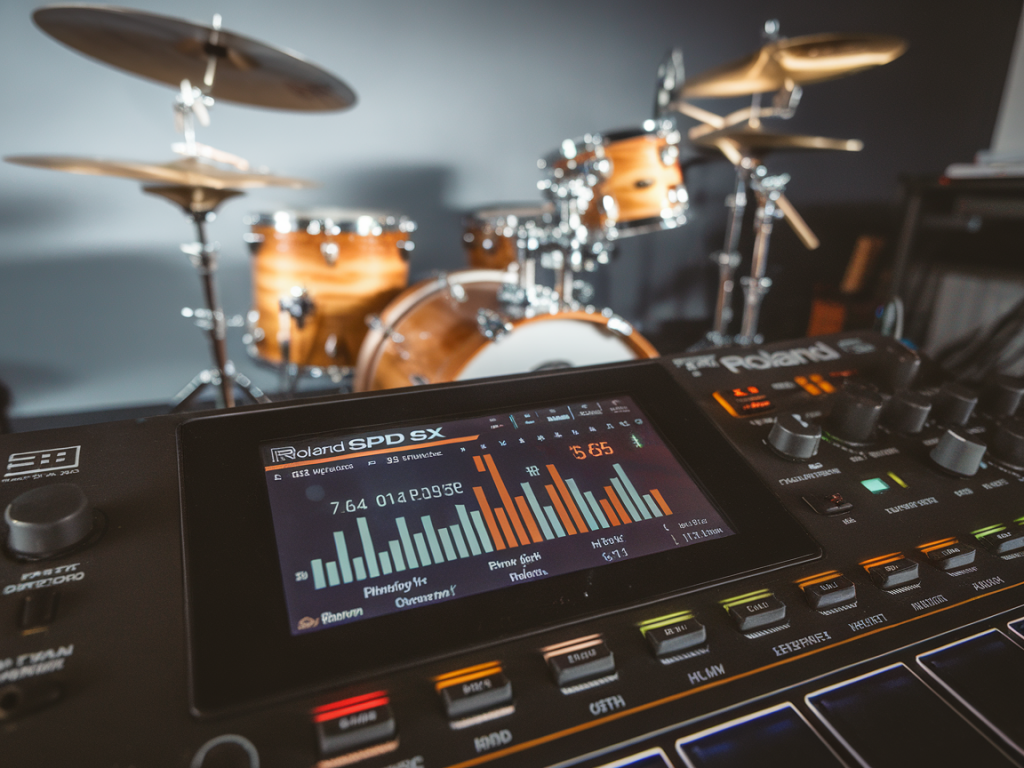
I get a lot of messages from drummers who use the Roland SPD‑SX live and complain that their samples feel “flammy” or that hits double up when they play fast. I’ve experienced the same thing myself on stage: you think you’ve hit a clean single stroke, the pad responds twice, and suddenly your groove looks like a bad flam. The good news is this is almost always a trigger/setting problem rather than a mystical latency bug — and with a few precise adjustments you can eliminate the extra triggers and get the pad responding exactly how you expect.
Why the SPD‑SX seems to cause flammed hits
There are two different phenomena people call "flammed" when using the SPD‑SX, and they have different causes:
On the SPD‑SX the most common root causes are pad sensitivity too high, insufficient retrigger/crosstalk suppression, or trigger delay/gate settings that are either too short or too long for your playing style and stick type. The unit itself has low internal audio latency, but the way it’s configured for pads, layers and outputs can create the double‑hit effect.
How I diagnose the problem on stage
When I troubleshoot a “flam” on the SPD‑SX I follow the same checklist every time:
Answering those questions narrows down whether it’s a trigger sensitivity/cross‑talk issue, a layering/multiple voice issue, or a routing/latency issue.
Precise settings I use to fix flammed hits live
Below are concrete values and the logic behind them. Treat them as starting points — different sticks, heads, and playing styles will need minor tweaks.
| Parameter | Recommended starting setting | Why |
| Trigger Sensitivity | 20–40 (on a 0–100 scale) | Reduces false retriggers from rebound and bleed. Start lower and increase only if soft hits fail to trigger. |
| Trigger Threshold / Gate | Set so quiet bleed < threshold; typical gate 15–30 ms | Prevents very brief/low‑level spikes from creating extra triggers. |
| Retrigger/Delay | 6–15 ms | A short blanking window after the initial hit prevents immediate retriggers from rebound. |
| Velocity Curve | Medium or Hard | Helps discriminate between rebound (low velocity) and genuine hits (high velocity). |
| Pad Cross‑talk / Sensing area | Reduce sensing/cross‑talk if adjacent pads trigger | Minimises other pads’ vibration triggering the pad you played. |
| Layering (VOICE) settings | Single voice per pad in live set | Multiple layers can cause perceived double hits if they have different attack samples. |
Notes:
Step‑by‑step routine I run through before a gig
This is my pre‑gig routine to make sure I don’t get flammed in the middle of a song:
Other practical tweaks and things I learned the hard way
Troubleshooting table
| Symptom | Likely cause | Quick fix |
| Immediate double‑hit on strong strokes | Sensitivity too high or no retrigger blanking | Lower trigger sensitivity 10–20 pts; add 6–12 ms retrigger delay |
| Double‑hit only with nearby cymbal strikes | Cross‑talk | Increase cross‑talk suppression or lower neighbouring pad sensitivity |
| Hits feel late or you’re compensating | Monitoring latency (USB/DAW chain) | Monitor direct from SPD‑SX or reduce DAW buffer |
| Two different samples sound like a flam | Layered voices with differing attacks | Use one voice per pad or align attack envelopes |
If you want, I can give a tailored settings snapshot for your exact setup — tell me which pads you use (Roland PD‑series, mesh, cymbal triggers), whether you route audio via USB/DAW or FOH, and whether you’re triggering internal samples or external modules. Small changes make a big difference; once you’ve dialled sensitivity, retrigger and routing together, the SPD‑SX is one of the most reliable performance samplers out there.