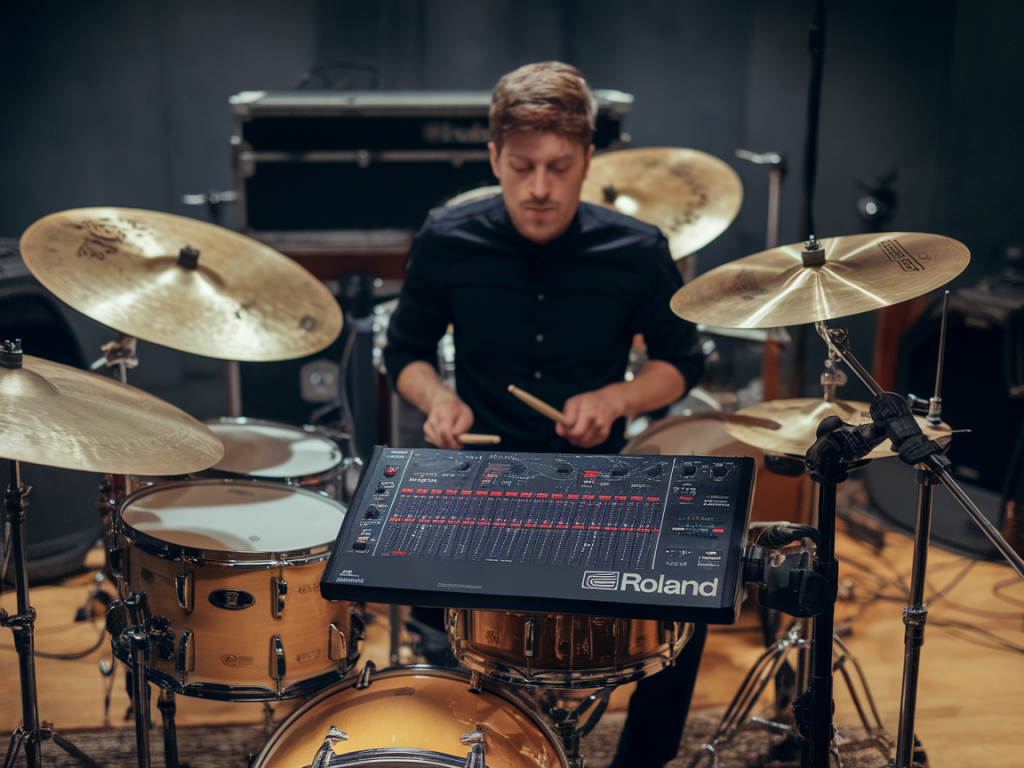
I love using my Roland SPD-SX on stage — it’s fast, reliable, and lets me add sampled sounds that glue with my acoustic kit. Yet I’ve repeatedly seen the same frustration: samples that feel “late,” disconnected from the pocket, or that don’t respond the way an acoustic drum does. After years of testing pad mapping, retrigger settings, and workflow tweaks, I want to share the specific things that actually make SPD-SX samples sit in the groove rather than fight it.
Why samples can feel disconnected from an acoustic kit
There are a few common causes that create that disconnected feeling:
Latency — the time between hitting a pad and the sound starting. Even small delays are obvious when you’re playing with a live drum kit.Sample start point — if the sample has a slow attack or a leading silence, it won’t snap like a snare or hi-hat.Retrigger/choke and threshold settings — these control how the SPD-SX interprets hits and can introduce dead zones or double triggers.Pad mapping and layering — unlucky mapping can cause a pad to play a sample with a different feel, or layered samples to misalign.Monitoring and mix — if what you hear in your in-ear or wedge is delayed by processing, your perception of timing shifts.Quick checklist to diagnose the issue
Before deep editing, run through this fast checklist so you know whether the problem is SPD-related or stage-sound related:
Play the pad with the SPD-SX’s volume through PA and listen closely — is the sample itself delayed relative to the stroke sound of the shell? If yes, look at sample start or built-in latency.Try the same sample triggered via MIDI from an electronic kit or drum brain. If it's more responsive, the pad trigger settings may be the culprit.Use a metronome and record both the acoustic snare and the SPD pad to a DAW — visually check alignment. This tells you if it's threshold/retrigger or a processing delay.Latency: where it comes from and how to reduce it
There are two types of latency that matter here:
System latency — internal buffer and processing time in the SPD-SX. This is usually tiny but can add up with effects or conversion.Monitoring latency — caused by mixers, interfaces, wireless IEMs or stage processors. If your monitoring path delays the sample more than the acoustic drum (which you hear directly), that’s the perceived lag.Practical fixes:
Turn off unnecessary onboard effects on the SPD-SX while playing, or use dry + external processing only if latency is negligible.If you’re running SPD-SX into a FOH or monitor chain with heavy DSP or wireless IEMs, ask the engineer to check monitor delay or provide a direct, near-zero latency monitor mix.Use the SPD-SX’s analog outputs directly for monitors when possible — it’s the lowest-latency route.Sample start: trim, fade and attack shaping
Many samples include initial silence, fade-ins, or long attack tails. That’s fine in production, but on stage it kills snap. Here’s what I do:
Open the sample in the SPD-SX editor or in your DAW and trim any leading silence — the waveform should start right at the transient.If the sample’s natural attack is soft, layer a short transient sample (e.g., a short stick click or processed snare attack) at the start to give it snap. Use very short crossfade to avoid clicks.Use an EQ and transient shaper (even a quick compressor with fast attack) to bring the transient forward. On the SPD-SX apply only gentle processing — major shaping is usually better done off-board.Retrigger, threshold and sensitivity: dialing touch response
These three settings massively change how a pad feels:
Threshold — sets how hard you must hit before the pad triggers. Too high and the pad feels dead; too low and you get ghost hits.Sensitivity — adjusts dynamic range and velocity mapping. Tweak to reflect how hard you play compared to an acoustic drum.Retrigger Time — a short dead window after a hit. If it’s too long you’ll lose fast rolls or flams; too short and you may get unwanted double triggers.Suggested starting points (SPD-SX):
| Playing style | Threshold | Sensitivity | Retrigger |
| Loose hands, dynamic gigs | Low-Med | Med-High | 30–50 ms |
| Heavy-hitting rock | Med | Low-Med | 20–40 ms |
| Fast electronic hits/triggered rolls | Low | High | 10–25 ms |
Tweak with a metronome and record — the visual alignment will guide tiny changes.
Pad mapping and velocity curves
How you map sounds across pads and set velocity curves determines musicality:
Keep sonic families on adjacent pads (e.g., snares together, claps together) to make dynamic changes coherent.Use velocity curves that match your attack: Linear if you want a raw, predictable response; Log or Exp if you need more headroom at high/low velocities.For hybrid setups, map the SPD sample to reinforce an acoustic drum’s natural dynamics. For instance, use samples only for top-end snap and let the acoustic shell provide the body.Layering, choke groups and polyphony
Layering sounds can create timing illusions if not aligned. A sample layer with a long attack stacked with a short transient will sound late. Fixes:
Trim and align each layer’s start so the transients line up.Use choke groups wisely — e.g., hi-hat open/closed samples must choke to avoid overlap that blurs rhythm.Watch polyphony limits; on SPD-SX if too many voices are hitting, cutoffs or voice stealing can create irregular timing artifacts.Practical session: a workflow I use for a live setup
Stage day: load only the samples needed for the set to reduce processing overhead.Trim every sample for zero leading silence; add a short transient layer where needed.Set threshold and sensitivity for the actual stick and pad combo I’m using (mesh pad, rubber pad, etc.).Turn off global effects or assign them to FOH if they add latency.Run a short soundcheck recording with a click, acoustic snare and SPD pads — adjust start offsets and retrigger visually in the DAW until hits align.If you want, I can export a small template .wav pack and a recommended SPD-SX setting file I use for hybrid acoustic setups, or walk you through a screen-by-screen setting tour. On Dmdrums Co I’ve posted sound examples and a download pack that mirrors this workflow — check https://www.dmdrums.co.uk for presets and downloads that speed up setup and keep your samples locking with the kit.